


Creating a home workspace that feels both cozy and productive can significantly improve your work-from-home experience. Whether you’re a freelancer, student, or remote employee, having a dedicated area that promotes focus and comfort is essential. This guide offers practical tips to help you design a functional and inviting home workspace, no matter the size of your room or budget.
Why a Cozy Workspace Matters
When your home workspace feels welcoming, it can help reduce stress and increase motivation. Comfort is not just about physical ease—it also encourages creativity and concentration. A cozy environment makes it easier to maintain focus during long work sessions while letting you feel relaxed and balanced.
Choose the Right Location
Consider Natural Light
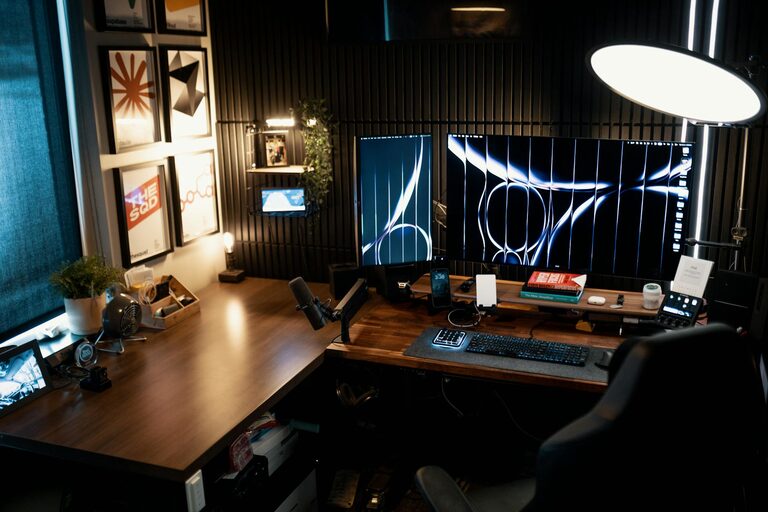
Try to set up your workspace near a window if possible. Natural light boosts mood and energy levels, which can enhance productivity. Position your desk so that sunlight doesn’t cause glare on your screen. If natural light is limited, invest in good quality, adjustable lighting that mimics daylight.
Minimize Distractions
Select a quiet spot away from noisy areas like the kitchen or living room. If space is tight, noise-cancelling headphones or a white noise machine can help create a focused environment. Keep your workspace separate from your relaxation areas to maintain a healthy work-life balance.
Invest in Comfortable, Ergonomic Furniture
Desk and Chair
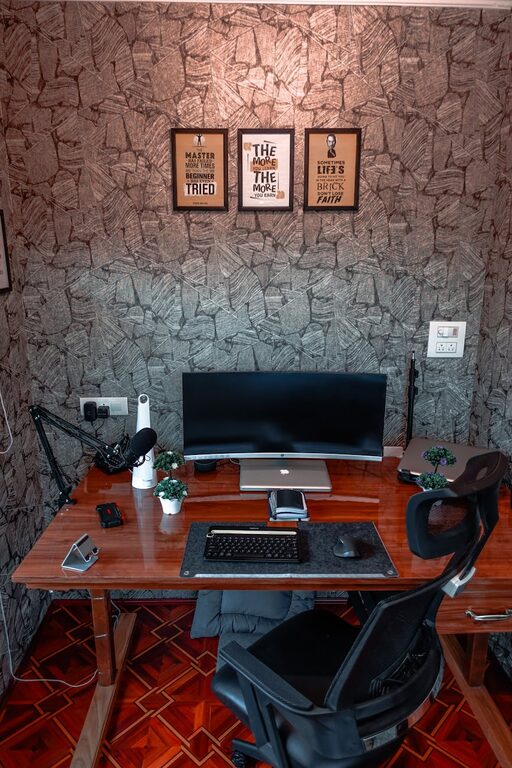
Your furniture choice matters for both comfort and posture. Choose a desk with enough surface area for your computer, notebooks, and other essentials. An adjustable chair with good lumbar support helps prevent back pain during extended work sessions. Consider adding a footrest to improve circulation.
Additional Seating and Storage
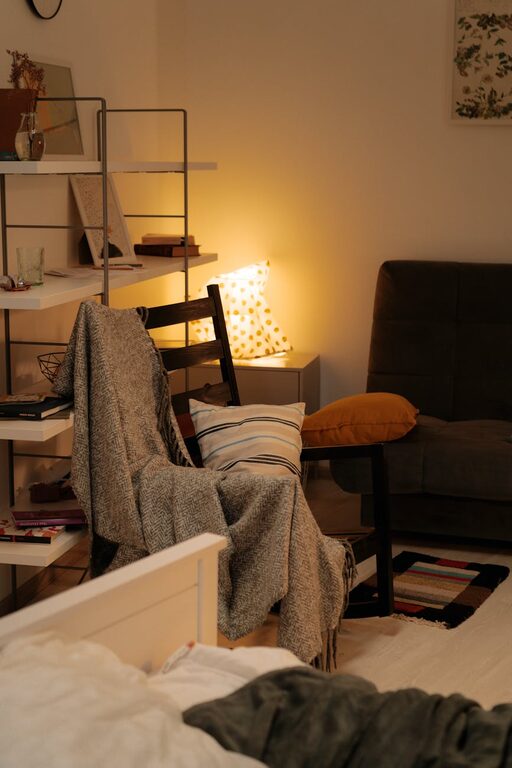
If space allows, a small couch or cozy chair can be useful for reading or brainstorming. Use shelves, filing cabinets, or baskets to keep your workspace organized and clutter-free.
Personalize Your Workspace
Add Cozy Textures
Incorporate soft elements like cushions, a wool blanket, or an area rug. These textures make the space inviting and reduce the sterile feeling that can come with typical office setups.
Display Things You Love
Decorate your desk or walls with artwork, photos, or plants that inspire you. Plants, in particular, improve air quality and add a touch of nature, which can be calming and uplifting.
Organize for Efficiency
Declutter Regularly
Remove unnecessary items to keep your workspace neat. A cluttered desk can increase stress and make it harder to focus. Use organizers, trays, or desk drawers to keep essentials close while hiding less frequently used items.
Use Tech Wisely
Cable management tools and wireless devices reduce mess and tangles. Keep chargers, external drives, and other tech essentials organized to avoid distraction.
Implement a Routine and Boundaries
Set Work Hours
Having clear start and stop times helps your mind transition between work and relaxation. Inform family or roommates of your schedule to minimize interruptions.
Take Regular Breaks
Short breaks can refresh your mind. Stand, stretch, or walk around to avoid physical discomfort from sitting too long. Consider using a timer or productivity apps to remind you.
Optimize for Focus and Comfort
Control Temperature and Ventilation
Make sure your workspace isn’t too hot or cold. Good airflow is crucial for comfort and alertness. Consider a desk fan or heater if needed.
Use Aromatherapy or Sound
A subtle scent, like lavender or citrus, can help you feel relaxed and focused. Background sounds such as soft music or nature sounds can enhance concentration, but keep volume moderate.
Final Thoughts
Designing a home workspace that is both cozy and productive is about balancing comfort with functionality. Even small changes—like adding a plant, choosing a better chair, or decluttering—can have a big impact on how you work and feel. Tailor your space to your needs, and don’t be afraid to experiment until you find what works best for you. A well-designed home office supports both your work goals and your well-being, making your work-from-home days more enjoyable and effective.