
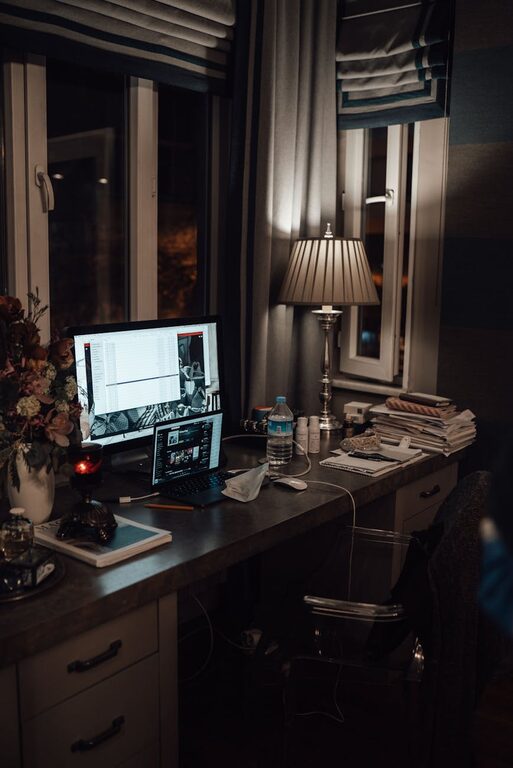
Creating a cozy and productive home office space is essential for anyone working remotely or managing tasks from home. With the right setup, you can boost your focus, reduce stress, and enjoy your workday more. In this post, we’ll walk you through practical tips to help design a work area that feels inviting and supports your productivity.
Choose the Right Location
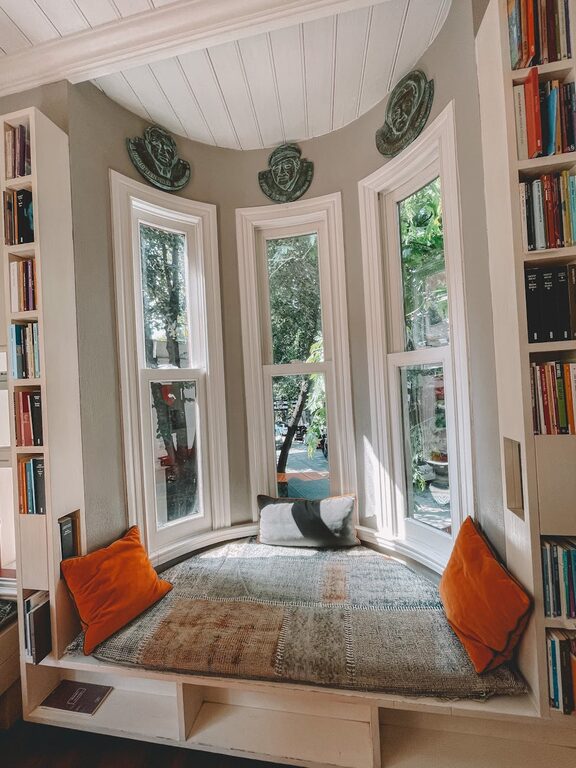
Start by selecting a quiet, well-lit space in your home. Ideally, pick a spot with natural light as it can improve mood and energy levels. If natural light is limited, invest in good quality lamps or overhead lighting that mimics daylight.
Consider these factors when choosing your office spot:
– Away from high traffic areas to minimize distractions
– Sufficient space for your desk, chair, and equipment
– Close to power outlets for convenience
Invest in Comfortable Furniture
Comfort is key when spending long hours at your desk. An ergonomic chair with good lumbar support prevents back pain and helps maintain good posture. Your desk should be at a height where your arms rest comfortably while typing.
Tips for selecting furniture:
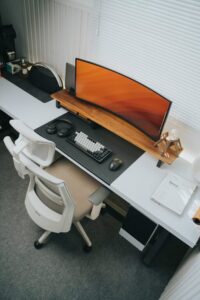
– Choose adjustable chairs and desks if possible
– Use a keyboard tray to keep wrists aligned
– Add a footrest if your feet don’t reach the floor comfortably
Organize Your Workspace Efficiently
A clutter-free desk reduces stress and helps you focus better. Use organizers, shelves, and drawer dividers to keep everything in its place.
Organization ideas:
– Label storage boxes or files for quick access
– Keep frequently used items within arm’s reach
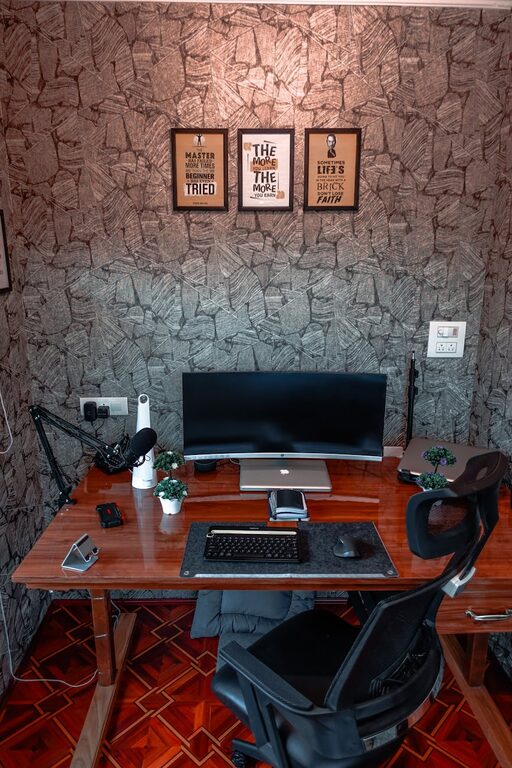
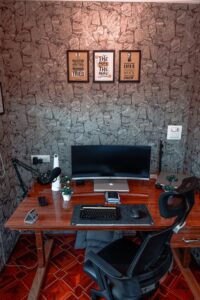
– Use cable management solutions to avoid tangles
Personalize Your Space
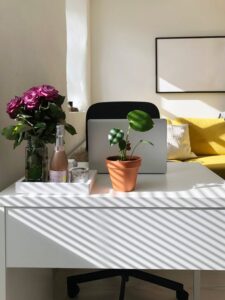
Making your office feel personal can increase motivation and comfort. Add elements that make you happy and inspired such as plants, artwork, or photos.
Ideas to personalize your office:
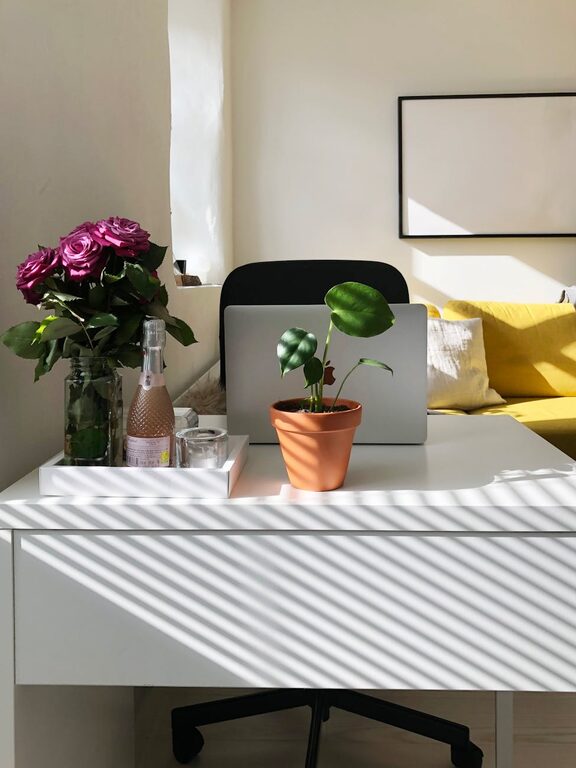
– Place a small potted plant for a touch of nature
– Hang motivational quotes or calming artwork on the walls
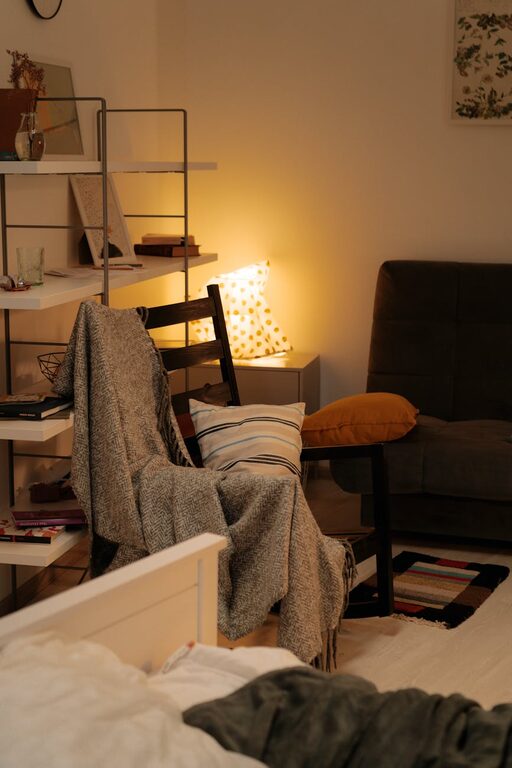
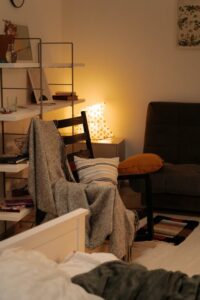
– Use cushions or throws in colors you enjoy
Control Lighting and Reduce Glare
Good lighting is crucial to prevent eye strain. Position your desk so that windows don’t cause glare on your screen. Use blinds or curtains to control sunlight as needed.
Lighting tips:
– Use adjustable desk lamps for focused light
– Employ indirect lighting to reduce harsh shadows
– Consider warm light bulbs for a cozier atmosphere
Set Boundaries and Maintain Routine
To keep productivity high, set clear work hours and take regular breaks. Having a dedicated office space makes it easier to switch “on” and “off” mentally from work.
Strategies to maintain balance:
– Use a schedule or timer to remind you to take breaks
– Avoid using your office space for non-work related activities
– Communicate your work hours with family or housemates
Add Functional Technology
Tech gadgets can enhance your workflow and comfort. Consider equipment that reduces repetitive strain and streamlines your tasks.
Helpful tech additions:
– External monitors for better screen space
– Noise-canceling headphones for focus
– Wireless keyboards and mice for flexibility
Keep Air Quality and Comfort in Mind
A fresh and comfortable environment helps maintain energy and focus. Ensure your home office has good ventilation and a comfortable temperature.
Comfort tips:
– Open a window occasionally for fresh air
– Use a fan or portable heater to adjust temperature
– Consider air purifiers if needed to improve air quality
Final Thoughts
Designing a cozy and productive home office can significantly improve your work-from-home experience. Remember, it’s about creating a space that supports your needs both physically and mentally. With thoughtful design choices and organization, you can enjoy a workspace that helps you stay motivated and comfortable throughout your day.
By following these tips, you’ll be well on your way to creating a home office that’s both inviting and efficient—a space where you can thrive professionally and feel at ease.